

SEO for Photographers: Best Practices That Actually Work in 2026
From a photographer who rebuilt everything from scratch and landed on page one
As a photographer who recently moved to a new state, I had to start from scratch. New website, new clients, new everything. Word of mouth wasn't an option because I had a full-time job and zero time for networking or volunteering. I built my online presence working a few hours each night.
I've done a ton of research and implemented countless SEO techniques. Some worked. Some failed miserably. But I learned a lot along the way. Today, I'm sharing everything that actually moved the needle for my photography business.
What Is SEO and Why Should You Care?
If photography is your thing, you're probably already familiar with technical terms like ISO. But in our search engine world, you need to get comfortable with another acronym: SEO.
SEO stands for search engine optimization. It's how you plan and write your online content to gain visibility by ranking higher in search results. And it matters because virtually everyone begins their search for a photographer with Google.
You have two choices: appear in the top results (or at least on page one), or lose potential clients to photographers who do. SEO for photographers is free and effective. No technical mumbo jumbo here - just simple strategies that work.
SEO Keywords for Photographers
The SEO keywords that will help your website get found are the words and phrases people actually type into Google when looking for a photographer. Your first step is identifying which keywords matter most.
Put yourself in your client's shoes. What would they search for? These keywords typically include your location and your specialty. I'm a photographer in Pittsburgh specializing in senior portraits, headshots, and family photography. My keywords look like "Pittsburgh senior photographer" or "Family photographer Pittsburgh" or "Headshots Pittsburgh."
Take a few minutes to brainstorm phrases that come to mind. Tools like Ubersuggest and CognitiveSEO can help you narrow your list. They'll show you how many times those keywords are searched monthly and how difficult it would be to rank for them.
AI is a no-brainer: AI tools like Claude and ChatGPT are now incredibly useful for keyword research. You can describe your business and ask for keyword suggestions, then validate them with traditional tools. I've found AI catches keyword opportunities I would have missed on my own.
Don't overthink this. The easier path to page one rankings is typically through a specific niche. Wedding photography is the exception - it's extremely competitive, though the SEO strategies are the same.
You'll use these keywords throughout your website, with two or three uses per page to keep your copy sounding natural. Include them in titles, descriptions, and URLs. Even update your image file names from "IMG_1234.jpg" to "Pittsburgh-senior-pictures.jpg." The alt text for each image is another opportunity for keywords.
A Word of Caution on Keywords
Your content needs to be useful for actual humans. Don't overuse keywords - it makes your content sound robotic and actually hurts your rankings. Google is smart enough to recognize keyword stuffing. Relevant keywords in relevant areas - that's the rule.
Use keywords naturally in your headings. Your About page is perfect for this:
"Hey, I'm Anna! As a Pittsburgh portrait photographer, I fell in love with photographing newborn babies after having my daughter..."


For the record, I did photograph newborns for about a year and a half. Took some awesome shots. But it wasn't for me - too stressful and the sessions ran way too long.
Photography Blog Ideas (AI Is Your Partner Now)

Using keywords only once or twice per page is best practice. That's where blogging comes in - it lets you incorporate quality content AND keywords naturally.
Focus on writing at least one substantial blog post per week. Google loves long articles with useful information. One "meaty" post weekly will get your website ranking higher than competitors surprisingly fast. Most photographers miss this opportunity entirely. When they do write, it's usually short session highlights that don't provide much value to readers.
Write about everything related to your business. Share knowledge you've found helpful. Answer questions your clients ask repeatedly - then you can send future inquiries directly to your blog post.
Topics that work well for photographers:
- How to Dress for Family Photos
- Tips to Prepare for a Maternity Session
- What You Need to Know About Newborn Photography
- Why a Professional Photographer is Worth the Investment
- Choosing a Location for Your Photo Session
- How to Involve Your Children Without Stress
- Headshot Photo Session Guide
- Props to Bring to Your Family Photos
I wrote a comprehensive guide on what to wear for senior pictures that consistently brings new visitors to my site. That single post has been worth its weight in gold.
What if you don't have time to write? AI has completely changed this game. I now have automated systems that help me create content faster than ever. If you're curious about my AI workflow for content creation, keep an eye on my shop for upcoming resources.
Share your blog posts on Pinterest with an eye-catching photo as clickbait. Pinterest is incredibly powerful for driving traffic.
Should You Even Start a Blog?

Yes. Start one today if you haven't already.
In 2026, the digital landscape is more competitive than ever. Ranking a new website is genuinely difficult due to evolving algorithms and the sheer volume of content online. If you already have a website, you're sitting on a goldmine. Now is the time to revitalize it with fresh content.
Consider adding new life by refreshing existing pages and introducing 50% or more new material. This strategy signals to Google that your site is active and updated - positive signals that boost rankings. Your domain retains its age and built-up trust while your content feels new.
Ditch Squarespace. Seriously.

I'm guessing you're using Squarespace with outdated themes, some clunky WordPress site, or worse - your free Pixieset website with terrible templates. Look at my homepage. Nothing about my website is outdated. And no, I didn't use expensive Webflow.
My entire website cost $40 to build. My yearly expense is literally $11 for the domain. I still use Pixieset for booking and client management, but my website is static, fast, and ranks on page one for the keywords I target. It took four days to build.
I'll be teaching photographers how to create stunning, modern, fully SEO-optimized websites that outperform Webflow at a fraction of the cost. Stay tuned for more details in my shop.
Optimize Your Images (Do This If You Do Nothing Else)
If you skip everything else in this article, PLEASE do this: optimize your website images.
Large images destroy your load times. Your potential clients WILL leave if they're waiting for your page to load. Compress images on all pages, especially your homepage and galleries.
All my images are preferably under 100KB (sometimes up to 200KB for hero images). They're all AVIF files. AVIF is the successor to WebP - smaller file sizes with better quality after compression.
The best tool I've found is Squoosh. It outputs AVIF files with incredible compression control. You pick AVIF from the dropdown, and it defaults to 50% compression. If the file is still too large, you can adjust quality to 30% while previewing before and after. Full control.
For Squarespace users: there's JavaScript code that loads every time someone visits your site. You're looking at 2-6 seconds of load time you can't control - Squarespace is built this way. Image optimization becomes absolutely crucial. Check out my SEO for Squarespace: Image Size Optimization post for specifics.
Optimize Your Videos
This topic deserves its own post (coming soon), but here's the short version: don't host videos directly on Squarespace or WordPress. It bogs down your site.
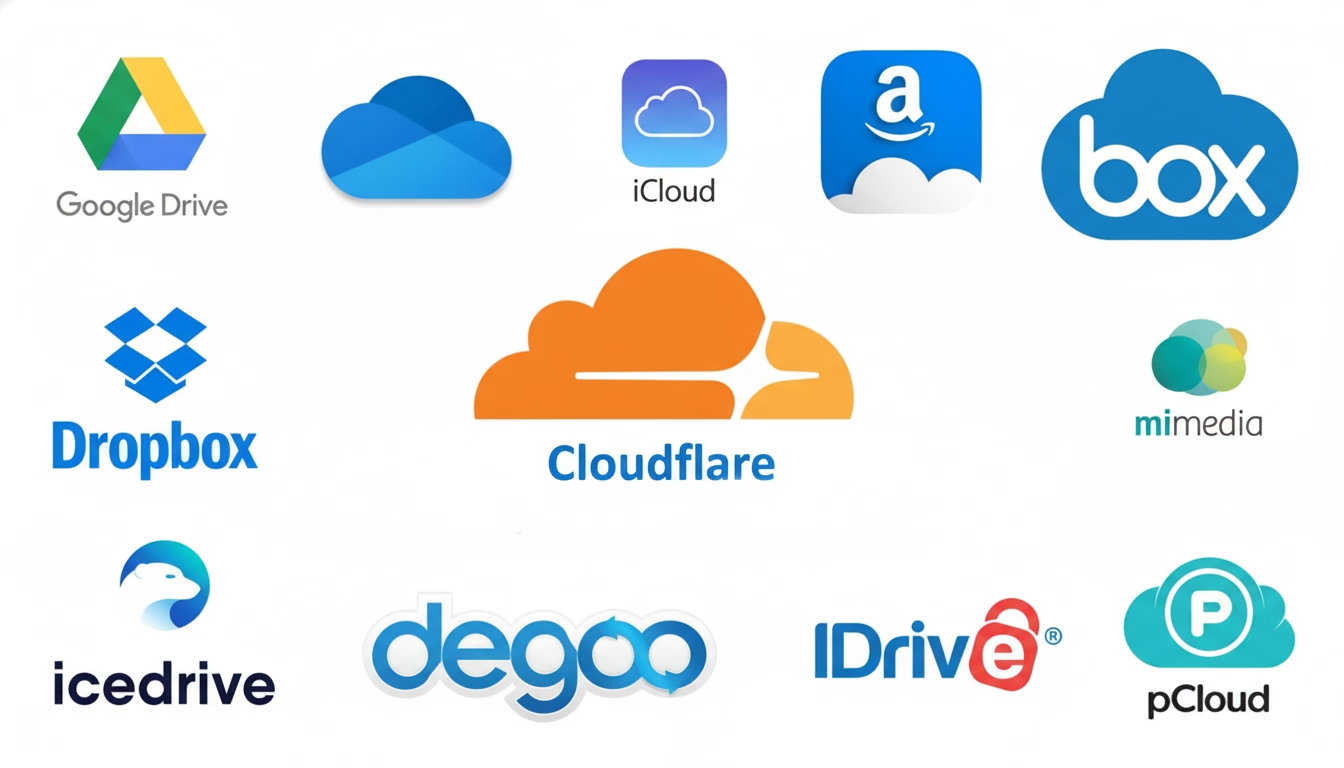
Use cloud storage instead. Google Cloud Storage, Cloudflare R2, and similar services let you embed videos that autoplay without killing your load times. I use Cloudflare R2 - it's incredibly affordable and works beautifully. More details on video optimization in my upcoming resources.
None of these tool recommendations are affiliate links. And no ads on my site because I hate ads.
Internal and External Linking
Keep your blog on your main website domain. Internal linking notifies search engines about your site structure and helps with indexing. At the end of one blog post, link to your pricing page. In the next, link to your portfolio or a related article.
For external linking, make sure you're linking to reputable, high-quality sites. Link to product reviews for equipment you use, or to vendors you work with - florists, venues, makeup artists. This builds credibility.
Let people know when you link to their pages. They might return the favor with a backlink to your site - which is gold for SEO.
Backlinks: The Cornerstone of Great SEO
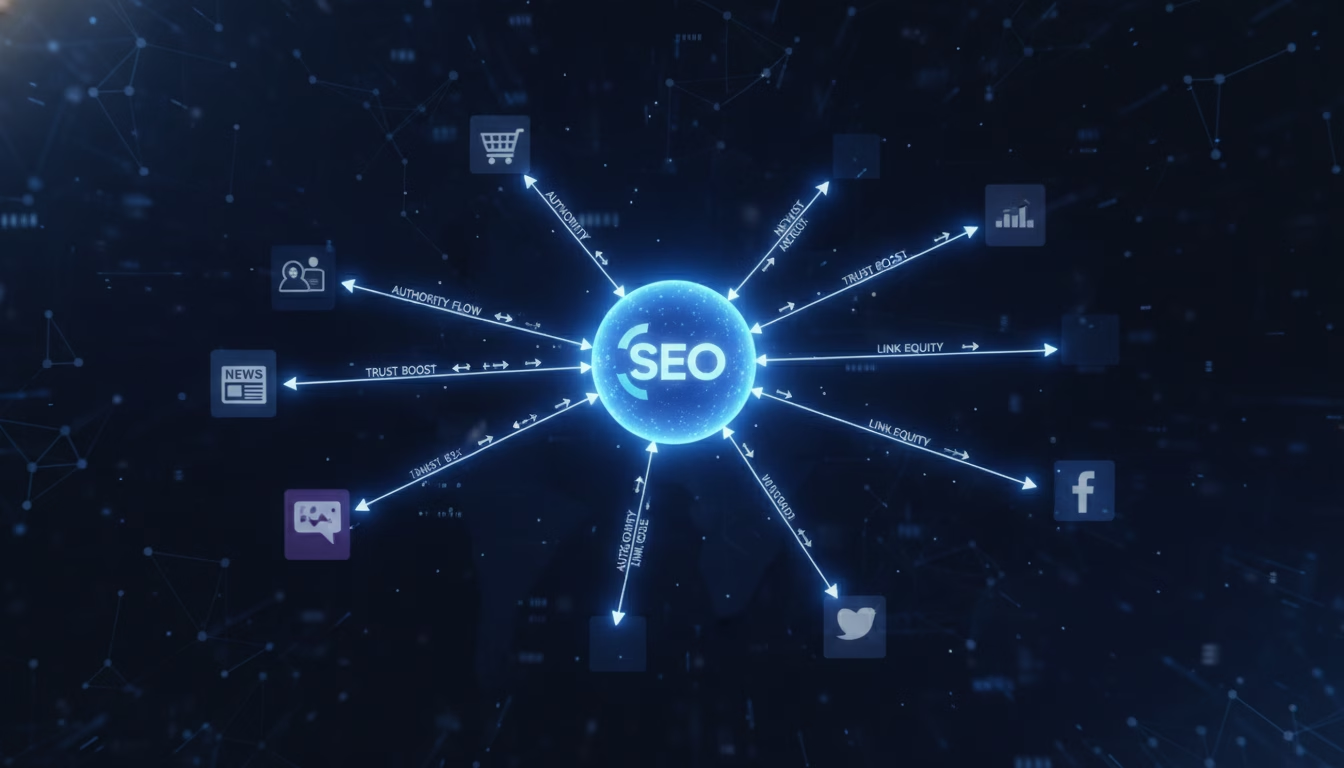
When another website links to yours, you get a backlink. It's essentially a vote of confidence - another site decided your content is worth sharing. If that site has strong authority, their SEO juice flows to you.
Having informative, useful content is what ultimately causes others to link to you. Being featured in publications, writing guest posts, and getting listed in directories all create backlinks. Include your website URL anytime you're featured anywhere.
Make it easy for people to share your content. Add share buttons. The easier it is to share, the more often people will do it.
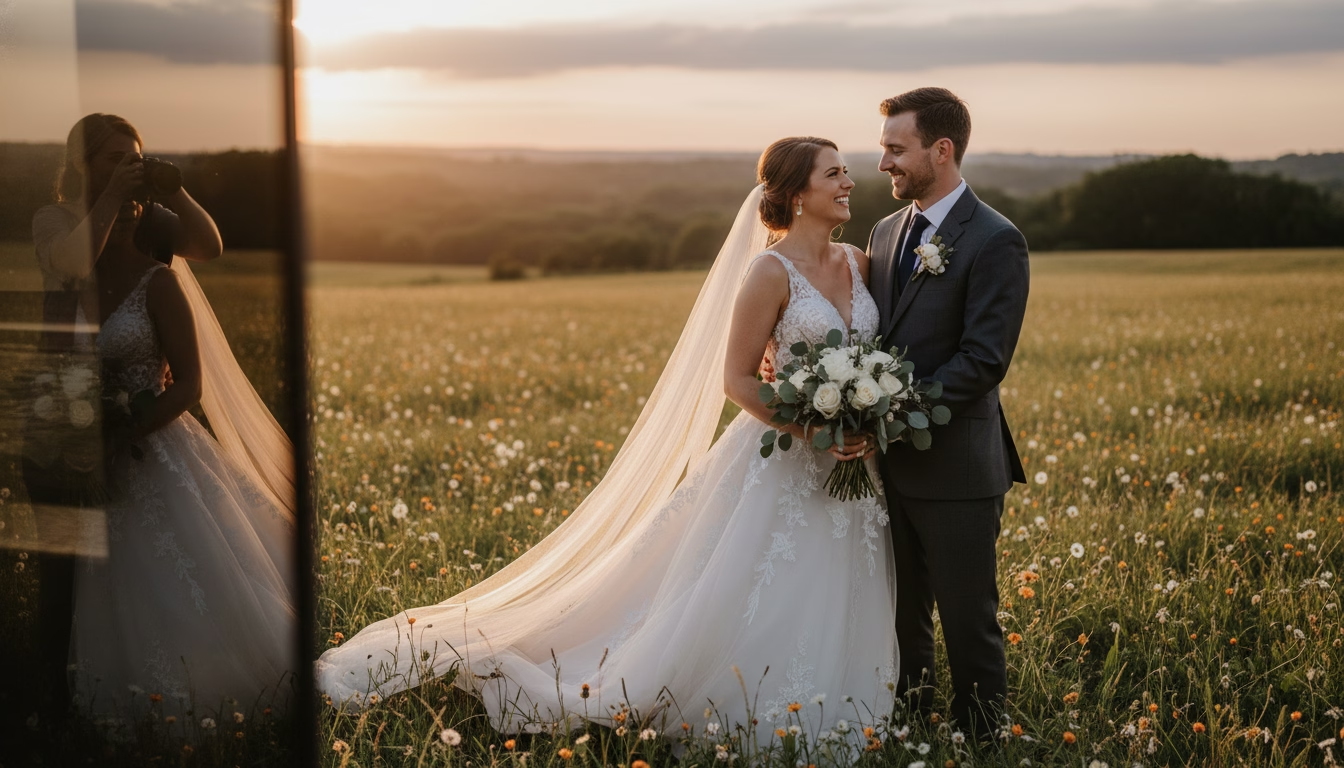
For wedding photographers: Build relationships with vendors. Take behind-the-scenes photos of the florist at work. Give them your card. When they use your photos on their website, you get a valuable local backlink.

For newborn photographers: Build relationships with hair and makeup artists. Take behind-the-scenes shots. Ask to be featured in their blog posts. Credit equals backlinks.
Building backlinks is a long-term strategy. Quality beats quantity - a couple of good backlinks monthly is all you need.
Local SEO: The Three-Pack
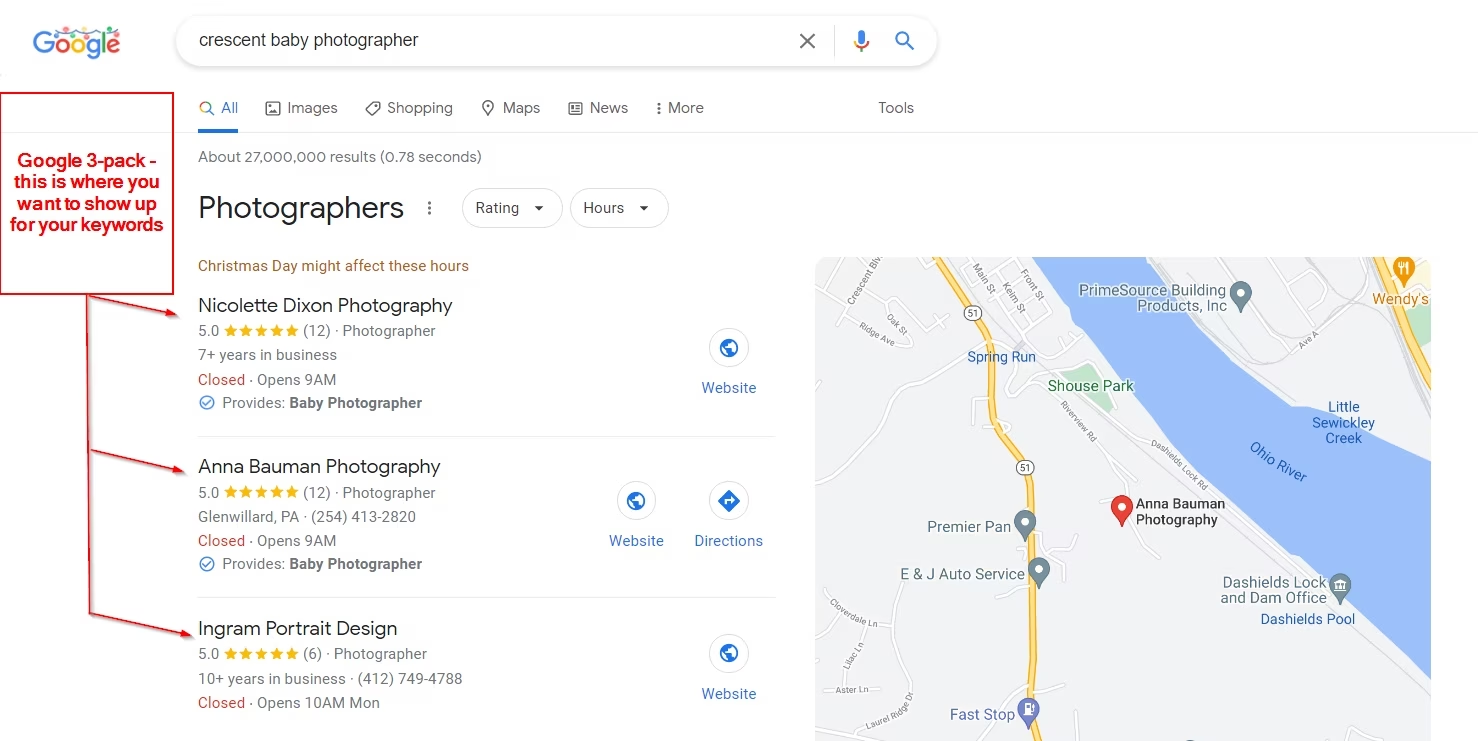
Local SEO focuses on traffic from location-based searches. When someone searches "Pittsburgh newborn photographer" or "photographer near me," Google provides a list of top three businesses with a map. That's the three-pack, and you want to be in it.
According to Whitespark's 2026 Local Search Ranking Factors study, your Google Business Profile accounts for 32% of local pack ranking. This is huge.
What I did first: fixed my NAP (name, address, phone) everywhere on the internet. Consistency matters. Your website, Yelp, Facebook, Google listing, and all local citations need to show the exact same information. Search engines use this to understand your business location.
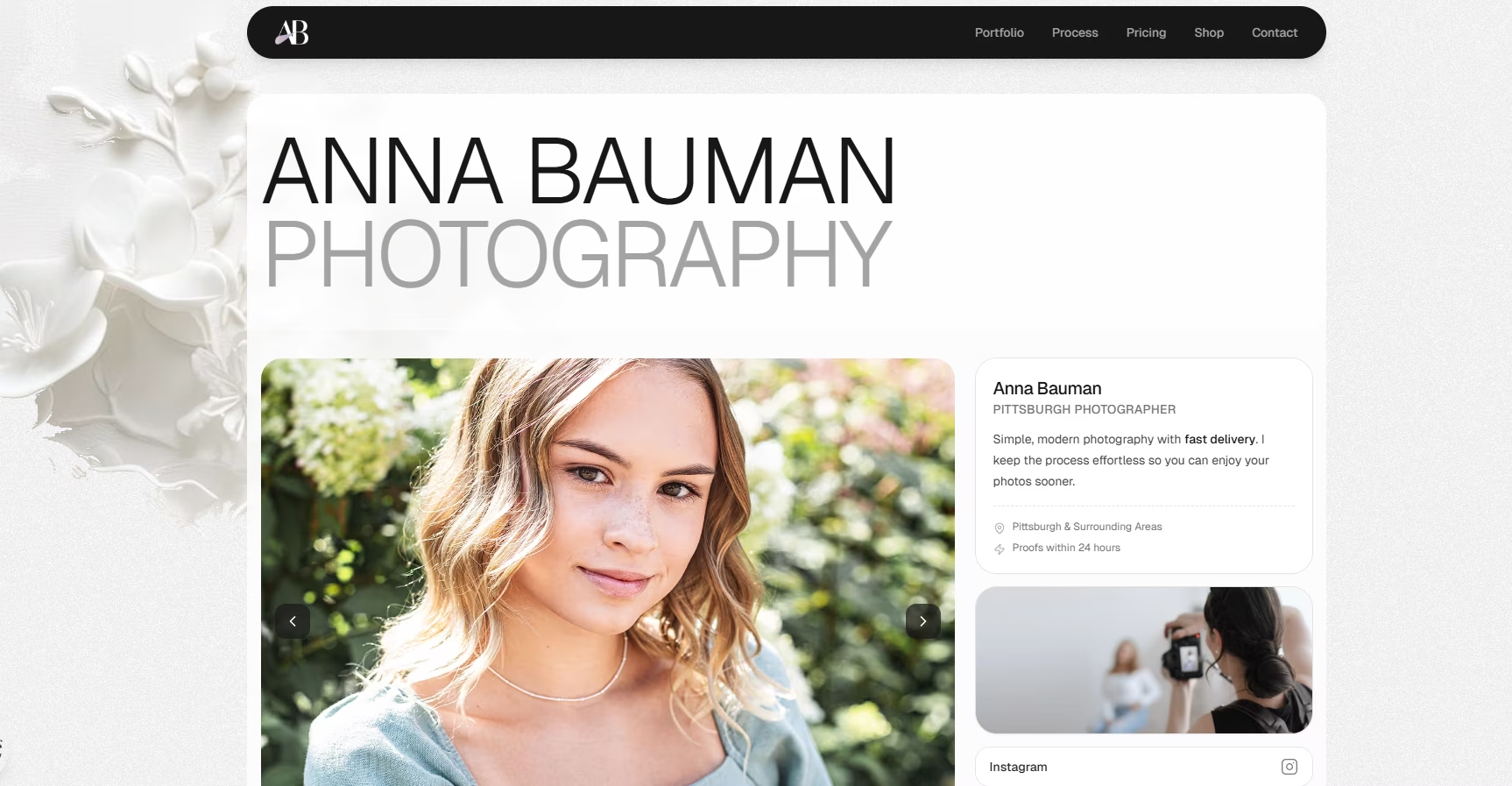
On my website, I include relevant keywords with "Pittsburgh" throughout. I want search engines to know I'm local and want local clients. One insight: potential clients don't always use photographer terminology. They might search "baby photographer" instead of "newborn photographer." Think like a client, not a photographer.
Optimize your Google Business Profile completely. Add all services with descriptions and prices. Upload photos weekly - Google rewards active profiles. Use the Q&A section. Respond to every review quickly.
Social media profiles must exist everywhere you leave your NAP. Your domain authority depends on this consistency.
More Ways to Increase Traffic

Quality content matters. Search engines show the best websites first. Poor quality sites appear later in results.
Make your site user-friendly, especially on mobile. A confusing website turns people away. Your homepage should clearly show what you do. Display your best work. Make navigation easy.
97% of potential clients will Google you first. What will they find? A pretty portfolio and a contact form? That's not enough to build trust. Your content needs to demonstrate expertise. Write from your client's perspective - what would help them make a decision?
Avoid Fake Traffic
Stay away from fake traffic services like Microworkers. Even though they use real people, the scattered global traffic patterns raise red flags with Google. It can tank your rankings.
Focus on genuine traffic. Engage on social media. Collaborate with local bloggers. Create valuable content. The organic approach wins long-term.
AI Search Visibility (New for 2026)
There's a new player: AI search. Google's AI Overviews, ChatGPT, and Perplexity are now sources of traffic. To show up in AI results:
- Get on "Best of" lists (submit to "Best Pittsburgh Photographers" roundups)
- Build topical authority with comprehensive blog posts that fully answer questions
- Add FAQ sections to every service page
- Use schema markup (makes your content machine-readable)
- Maintain citation consistency across the web
This is increasingly important. AI pulls information from multiple sources, and having a consistent presence everywhere helps you appear in AI-generated answers.
Take Action
Now you know how to use SEO to rank your website higher. The cheapest, easiest way to get more visibility among potential clients is the work you put in yourself. More views mean more clients and more opportunities to grow.
If you don't have your own website yet, several builders make it easy to start. But the strategies and ranking factors I've shared work regardless of platform. The goal stays the same: make your business stand out.
I'm cheering for you.
Ready to See What's Possible?
Check out my senior portraits - proof that these SEO strategies work
View PortfolioAnna Bauman is a Pittsburgh photographer specializing in senior portraits, headshots, and family photography. She rebuilt her entire business using SEO strategies that landed her on Google's first page - and she's on a mission to help other photographers do the same.